Can This $20 eBay Yaesu FT-7100 Be Saved?

If you’re a fan of amateur radio or have a penchant for vintage electronics, the thrill of resurrecting a non-working device can be incredibly rewarding. In a recent YouTube video, an electronics enthusiast took on the challenge of reviving a Yaesu FT-7100, a dual-band mobile transceiver purchased from eBay for just $20. The catch? The unit was sold as non-working, with the previous owner having cut the power cable off. This intriguing journey into the world of repair showcases not only the excitement of troubleshooting but also the satisfaction of bringing an old piece of technology back to life.

Restoring the Power Connection

The first step in this repair adventure involved creating a new power lead to restore the missing connection. After successfully powering up the Yaesu FT-7100, the initial excitement quickly turned to concern as the unit exhibited intermittent transmit power. This issue sent the technician down a rabbit hole of diagnostics, involving meticulous checks of the RF output and power amplifier (PA) section. It was clear that while the radio had potential, there were underlying issues that needed to be addressed before it could function reliably.

Troubleshooting Challenges

Diagnosing the intermittent transmit power was no small feat. The technician meticulously tested various components, hoping to pinpoint the root cause of the problem. This phase of the repair process featured a variety of troubleshooting techniques, showcasing the complexities often involved in electronics repair. After a thorough investigation, the technician discovered that the issue stemmed from a much simpler fault than anticipated.

The Final Fix

Ultimately, the culprit was identified as a defective antenna connector, which was replaced during the repair process. Following the replacement, the technician conducted final transmit power tests, ensuring that the Yaesu FT-7100 was back to full functionality. The successful restoration of the radio not only demonstrated the technician’s skill and perseverance but also highlighted the joy of repairing equipment that many would have deemed beyond saving.

Join the Repair Journey

This video is a must-watch for anyone interested in radio repairs, vintage electronics, or simply the thrill of salvaging seemingly lost technology. The creator encourages viewers who share this passion to subscribe for more exciting radio repair projects and retro electronics adventures. With a wealth of knowledge to share and many more repairs on the horizon, this channel is poised to become a valuable resource for enthusiasts and tinkerers alike.

I picked up this Yaesu FT-7100 on eBay knowing it was being sold as non-working. The first clue was obvious—the previous owner had cut the power cable off the radio. After making a new power lead, the radio powered up… but the repair was far from over.

Transmit power was intermittent, sending me down the rabbit hole of troubleshooting RF output, checking the PA section, and hunting for the real fault. In the end, the culprit turned out to be something much simpler than expected.

In this video I'll show the entire repair process, the troubleshooting steps, and the final fix that brought this dual-band mobile back to life.

In this video:

Restoring the missing power connector Initial power-up and testing Diagnosing intermittent transmit power Finding the real fault Replacing the defective antenna connector Final transmit power tests

If you enjoy repairing amateur radio equipment, vintage electronics, and buying questionable "for parts" gear from eBay, consider subscribing. There are plenty more radio repairs and retro electronics projects coming soon!

Equipment Featured

Yaesu FT-7100 Dual Band Mobile Transceiver Rohde & Schwarz CMU200 Communications Tester Bench power supply Soldering and repair tools

#HamRadio #Yaesu #FT7100 #RadioRepair #ElectronicsRepair #AmateurRadio #eBayFinds #RF #Soldering #SalvageGeek

Watch on YouTube: Can This $20 eBay Yaesu FT-7100 Be Saved?

Subscribe: Click here
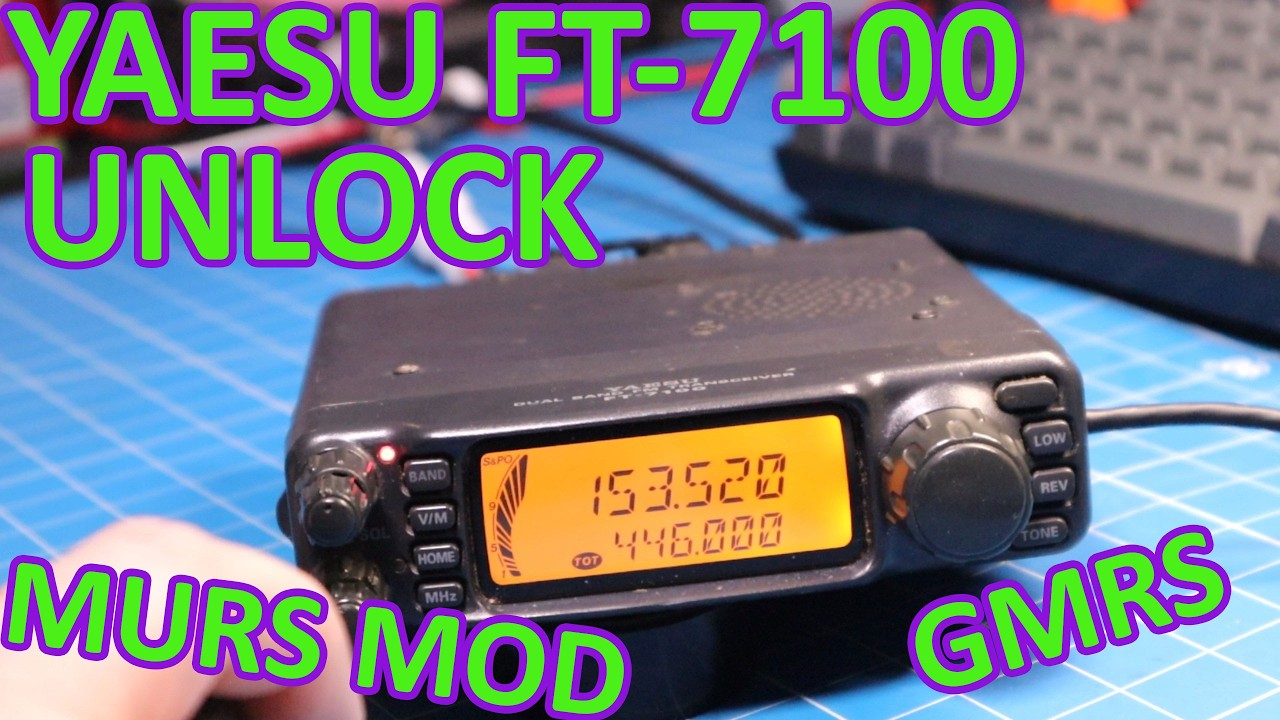
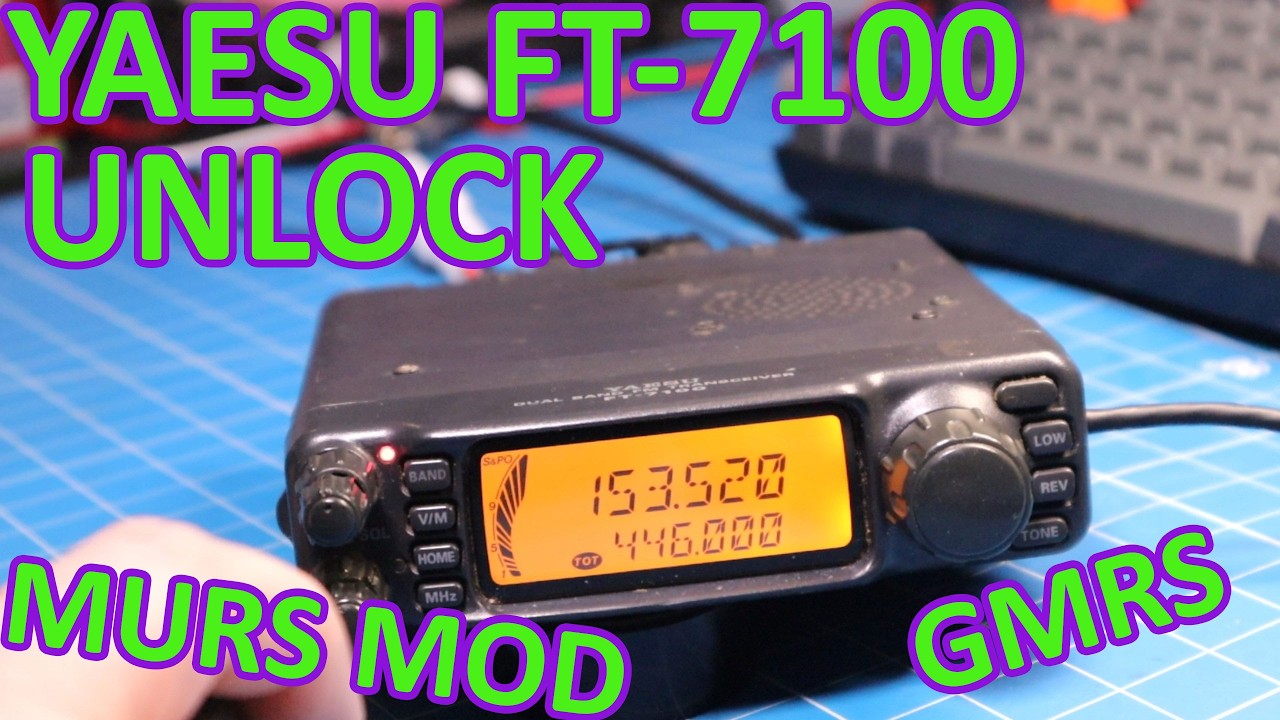
Unlock TX on a Yaesu FT-7100

The Yaesu FT-7100 is a popular dual-band transceiver known for its versatility and performance in the VHF and UHF bands. In this informative discussion, the speaker provides a step-by-step guide on how to unlock the transmit (TX) capabilities of this device. This unlocking process allows users to access a wider range of frequencies, including GMRS (General Mobile Radio Service), MURS (Multi-Use Radio Service), and even LADD (Land Mobile Radio) or commercial operations. For amateur radio enthusiasts and those needing expanded communication options, this information is incredibly valuable.

Understanding the Unlocking Process

The unlocking procedure for the Yaesu FT-7100 involves a series of specific steps that ensure users can operate on frequencies that are otherwise restricted. The speaker emphasizes the importance of following these steps carefully to avoid any potential issues with the device. Although the video does not delve into the technical specifics of the unlocking process, it does provide an overview of the methods used to access these additional frequency bands.

Benefits of Unlocking TX

Unlocking the TX capabilities of the FT-7100 offers a myriad of benefits to users. By gaining access to GMRS and MURS frequencies, operators can engage in more diverse communications, particularly in areas where amateur frequencies might be congested or unavailable. This flexibility is especially advantageous for those involved in emergency services, outdoor activities, or commercial operations where reliable communication channels are essential.

Legal Considerations

While the unlocking process opens up a world of communication possibilities, the speaker reminds viewers of the legal considerations that come with it. Users must ensure they are compliant with local regulations regarding the use of certain frequency bands, particularly for GMRS and commercial operations, which may require a license. Understanding these legal requirements is crucial to avoid fines or other repercussions.

Conclusion

For anyone looking to enhance their communication capabilities with the Yaesu FT-7100, unlocking the TX function is a compelling option. The speaker’s guidance offers a clear path for users to expand their operational range while remaining mindful of legal obligations. As technology continues to evolve, having the ability to utilize multiple frequency bands can be a game-changer for both amateur radio operators and professionals alike.

How to unlock TX on a Yaesu FT-7100 Unlocks VHF and UHF GMRS, MURS, LADD or commercial operation.

Watch on YouTube: Unlock TX on a Yaesu FT-7100

Subscribe: Click here

This Macintosh SE/30 Refused to Boot

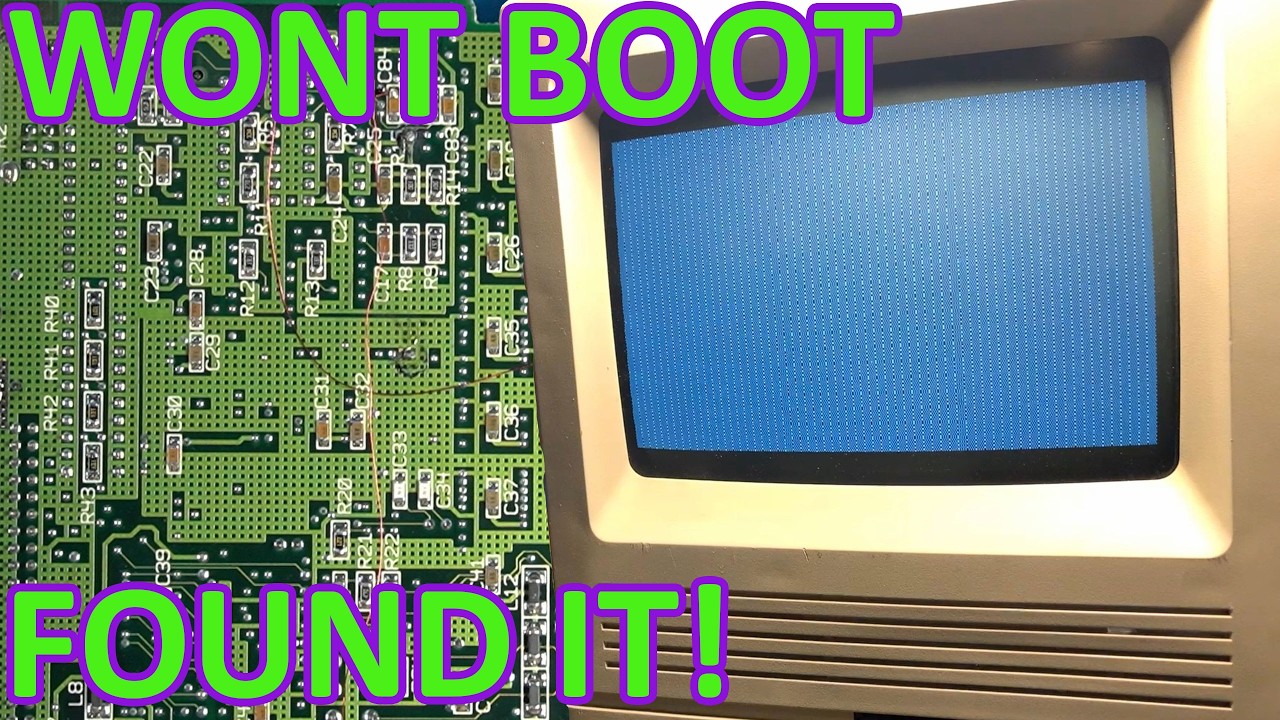
The Macintosh SE/30, a beloved relic of the vintage computing world, arrived at the repair bench with a notorious issue: the infamous Simasimac display, which signifies a startup failure. In this episode of thorough troubleshooting, the technician embarked on a journey through the complexities of logic board repair, quickly discovering that the problem ran deeper than a simple fix. As the diagnosis unfolded, multiple broken traces emerged, indicating a more significant underlying issue that needed addressing.

Diagnosing the Startup Failure

Initially, the technician focused on diagnosing the startup failure. The Simasimac display, a common sight among aging Macintosh systems, served as the first clue. However, as the repair process progressed, it became clear that the problem was not just a straightforward logic board issue. The discovery of several broken traces required a more in-depth examination, transforming the repair into a comprehensive troubleshooting session. Each broken trace posed a challenge, requiring careful attention to detail and a methodical approach to repair.

Implementing Bodge Wire Repairs

To tackle the broken traces, the technician employed a bodge wire repair technique. This method involves running small wires to bridge the damaged areas on the circuit board, effectively restoring connectivity. The repair process showcased the importance of precision and skill in vintage electronics restoration, as even the smallest oversight could lead to further complications. After successfully implementing the bodge wire repairs, the technician was able to bring the Macintosh SE/30 back to life, much to the delight of vintage computing enthusiasts.

Sound Circuit Troubleshooting

However, the excitement was short-lived, as the revived Macintosh presented yet another challenge: a complete lack of sound. This prompted further detective work to uncover the source of the issue. The technician’s keen eye for detail led to the identification of a second broken trace within the sound circuit. This discovery underscored the complexity of vintage electronics repair, illustrating how multiple issues can coexist and complicate the restoration process.

The Thrill of Vintage Restoration

The journey of repairing the Macintosh SE/30 serves as a testament to the dedication and passion of vintage computing enthusiasts. Each step of the troubleshooting and repair process not only highlights the intricacies involved in restoring such classic machines but also the satisfaction that comes from successfully reviving a piece of computing history. For those who share a love for retro computing, electronics troubleshooting, and component-level board repair, this video offers valuable insights and inspiration for future restoration projects.

For anyone interested in diving deeper into the world of vintage Macintosh repairs, this video is a must-watch. With a blend of technical knowledge and hands-on experience, the technician offers a compelling look at the challenges and triumphs of restoring old computers to their former glory. Don’t forget to subscribe for more engaging content on vintage electronics repair!

This Macintosh SE/30 arrived on the bench with the classic Simasimac display and refused to boot. What looked like a straightforward logic board repair turned into a deeper troubleshooting session when multiple broken traces were discovered.

In this video I diagnose the startup failure, repair a damaged trace with a bodge wire, and get the machine booting again. Unfortunately the repair isn't over yet—after bringing the system back to life another fault appears, leaving the machine with no sound. More detective work uncovers a second broken trace that also needs repair.

Topics covered:

Macintosh SE/30 logic board repair Simasimac diagnosis and troubleshooting Corrosion damage and broken traces Bodge wire repairs SE/30 sound circuit troubleshooting Vintage Macintosh restoration

If you enjoy vintage Macintosh repairs, retro computing, electronics troubleshooting, and component-level board repair, consider subscribing.

#macintosh #se30 #retromac #vintagecomputer #electronicsrepair

Watch on YouTube: This Macintosh SE/30 Refused to Boot

Subscribe: Click here

This Macintosh SE/30 Refused to Boot

Full Video Description

This Macintosh SE/30 arrived on the bench with the classic Simasimac display and refused to boot. What looked like a straightforward logic board repair turned into a deeper troubleshooting session when multiple broken traces were discovered.

In this video I diagnose the startup failure, repair a damaged trace with a bodge wire, and get the machine booting again. Unfortunately the repair isn't over yet—after bringing the system back to life another fault appears, leaving the machine with no sound. More detective work uncovers a second broken trace that also needs repair.

Topics covered:

Macintosh SE/30 logic board repair Simasimac diagnosis and troubleshooting Corrosion damage and broken traces Bodge wire repairs SE/30 sound circuit troubleshooting Vintage Macintosh restoration

If you enjoy vintage Macintosh repairs, retro computing, electronics troubleshooting, and component-level board repair, consider subscribing.

#macintosh #se30 #retromac #vintagecomputer #electronicsrepair

Watch on YouTube: This Macintosh SE/30 Refused to Boot

Subscribe: Click here

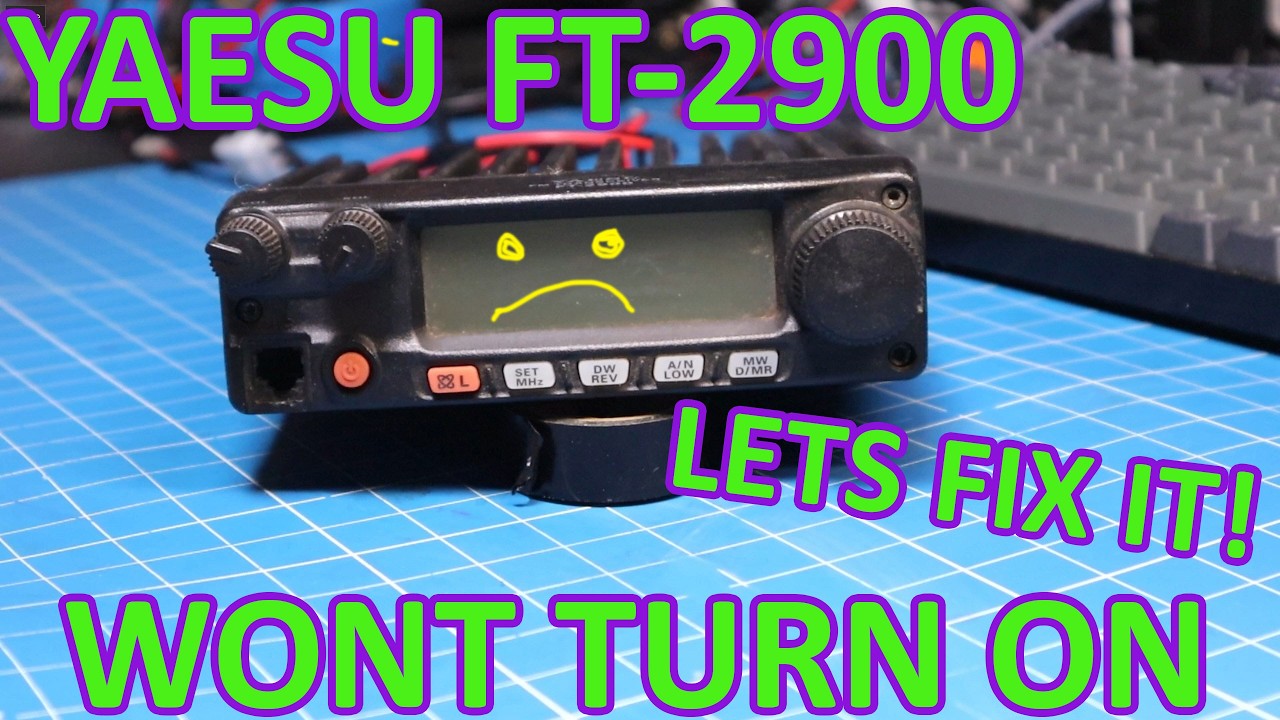
Why Won’t This Yaesu FT-2900 Turn On?

When a piece of equipment like the Yaesu FT-2900 fails to power on, it can be frustrating for any amateur radio enthusiast. In the recent troubleshooting session, the presenter dives into a systematic approach to diagnose the issue with this particular model. The goal is to identify what might be causing the malfunction before moving forward with any repair attempts. This method not only provides insights into the FT-2900 but also serves as a valuable lesson for anyone facing similar issues with their electronics.

Initial Checks

The first step in the troubleshooting process involves checking the basics: is the radio receiving power? The presenter emphasizes the importance of verifying the power source, ensuring that the power cable is securely connected and the power supply is functioning properly. A multimeter can be a handy tool for measuring voltage to confirm that the unit is indeed getting power. This step is essential since many issues can stem from simple connectivity problems.

Inspecting the Fuse

Next, the presenter highlights the significance of inspecting the fuse within the FT-2900. Fuses are designed to protect the device from power surges, and if blown, they can prevent the radio from turning on. The video demonstrates how to safely access and check the fuse, as well as how to replace it if necessary. This straightforward fix can sometimes be the difference between a dead radio and a fully operational one.

Internal Components and Connections

If the fuse is intact and power is still not reaching the device, the speaker recommends looking deeper into the unit. This involves opening up the radio to inspect internal components and connections. Loose wires, corroded connectors, or damaged components can all contribute to power issues. The presenter carefully explains how to navigate this process safely, ensuring viewers understand the importance of handling electronics with care to avoid further damage.

Conclusion and Next Steps

Ultimately, troubleshooting a non-functioning Yaesu FT-2900 requires patience and a methodical approach. By systematically checking the power source, inspecting the fuse, and examining internal connections, users can often pinpoint the cause of the issue. The video not only provides practical steps for repair but also encourages viewers to adopt a similar mindset when dealing with electronic problems. Whether you’re a seasoned amateur radio operator or a novice, these troubleshooting tips can save you time and money, ensuring your equipment remains operational for years to come.

This Yaesu FT-2900 will not turn on. Let's troubleshoot and figure out what is wrong before we attempt to repair it.

Watch on YouTube: Why Won't This Yaesu FT-2900 Turn On?

Subscribe: Click here